Roles
Why this matters
A role defines a user's general level in ZaazCRM: which modules they can see, which actions they can perform. Without roles, the whole team would have access to everything — including system configuration and sensitive financial data.
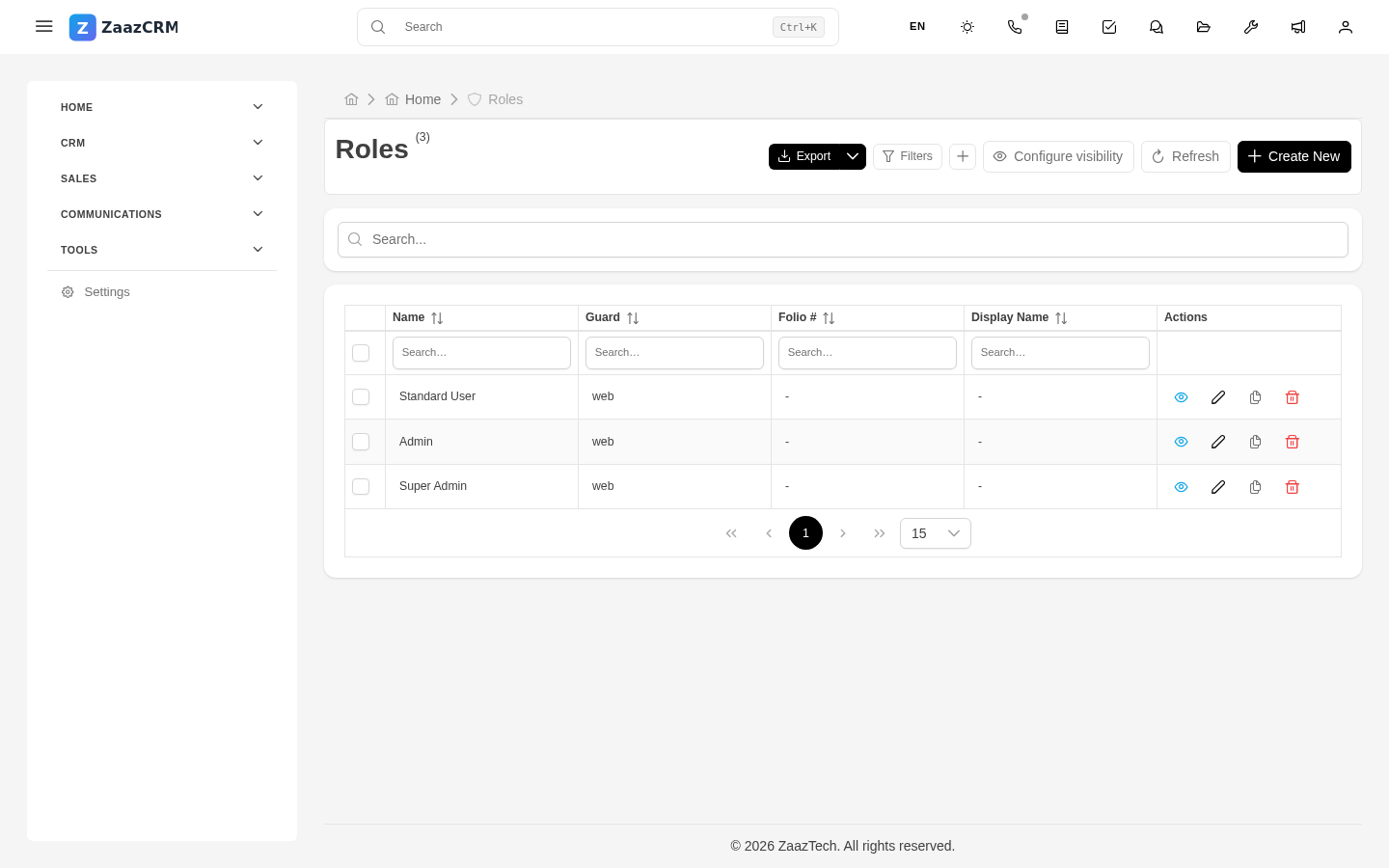
ZaazCRM ships with base roles (Super Admin, Admin, Manager, Sales Rep, Support, etc.) and lets you create custom ones.
Base roles that ship with ZaazCRM
- Super Admin — full access. Assign to 1-2 people max.
- Admin — access to configuration and all data.
- Manager — manages teams and reports.
- Sales Rep — daily use of leads, contacts, communication.
- Support Rep — for cases and helpdesk.
- Viewer — read-only.
Create a custom role
- Sidebar → Settings → Roles → Create.
- Fill in: name, description, parent role (inherit permissions as a base).
- Save.
You add permissions via profiles.
Role hierarchy
Super Admin
  └── Admin
        └── Manager
              ├── Senior Sales Rep
              │     └── Junior Sales Rep
              ├── Senior Support
              │     └── Junior Support
              └── Administrative Staff
The child role inherits permissions from the parent as a base.
Assign a role to a user
When creating or editing user → Role field. A user has one primary role (only one). For additional permissions, use Profiles.
Modify an existing role
Any change affects immediately every user with that role. Best: - Small changes: during low-activity periods. - Big changes: create new role, test, then migrate.
Watch out for
- Don't delete a role with users assigned. Reassign first.
- Super Admin isn't for everyone who asks for it. Almost always solved with a specific profile.
- Renaming a role confuses. Announce the change.