Web forms
Why this matters
A web form is a form on your website anyone can fill out, with responses going straight into ZaazCRM as a new lead or contact. Useful for:
- Capturing leads on your site (contact form, "Request a quote").
- Collecting information before a demo (pre-sales questionnaire).
- On-site capture at events or fairs (with tablet).
Create a web form
- Sidebar → Web forms → Create.
- Fill in:
- Internal name.
- Public title ("Request your quote", "Join the list").
- Fields — name, email, phone, company, message, etc.
- Configure actions on receipt:
- Create lead or contact — automatic.
- Notify — which sales rep.
- Reply with email — confirmation to the customer.
- Publish.
ZaazCRM gives you a unique URL for the form.
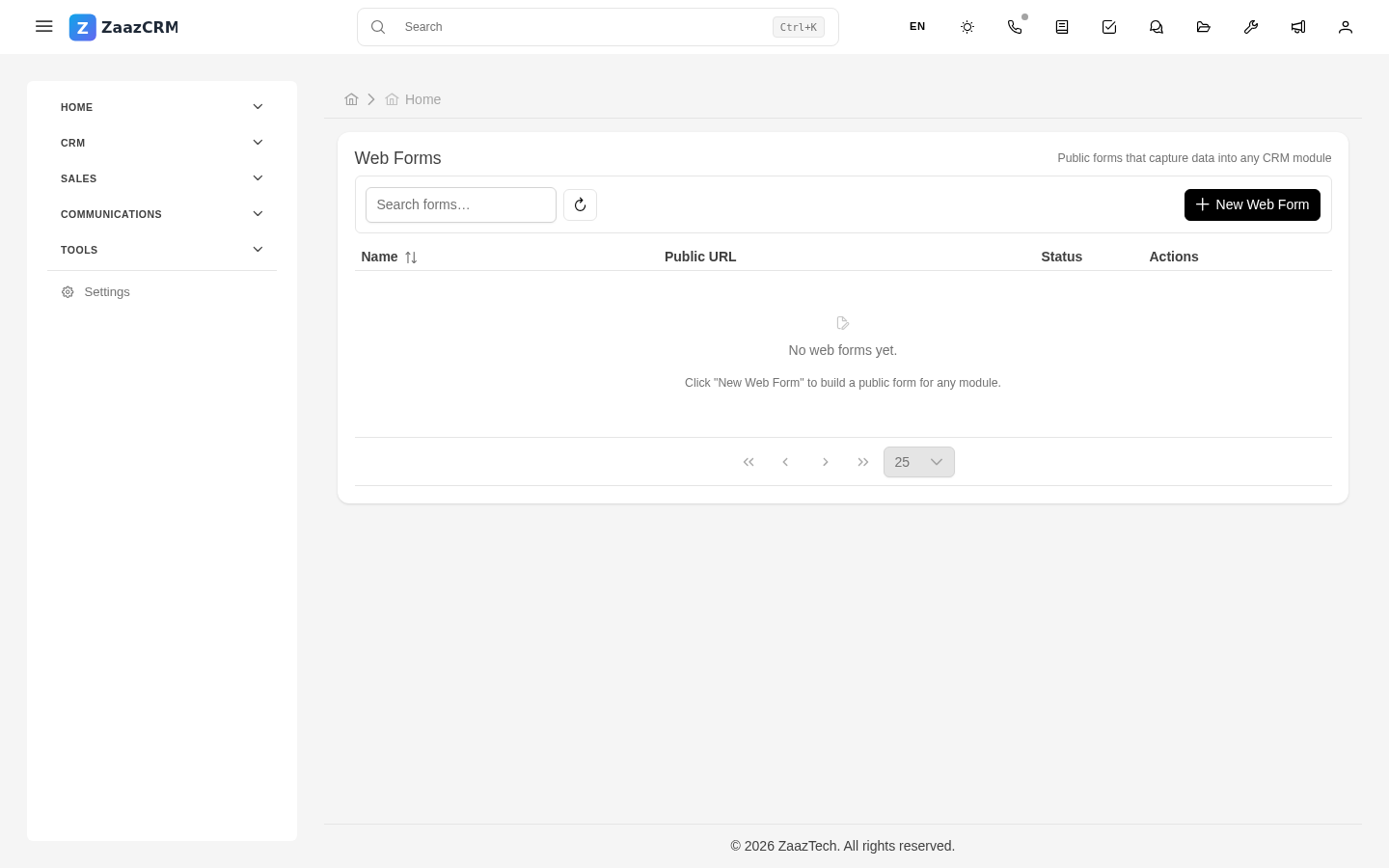
Share the form
- Direct link — paste on your website, social media.
- Iframe — HTML code for WordPress, Squarespace, etc.
- QR code — for printing.
Receive responses
When someone submits the form:
- ZaazCRM creates a lead/contact.
- Notifies the configured sales rep.
- (Optional) Sends a confirmation email to the submitter.
View responses
Each form has a Responses tab with all received responses, chronologically.
Validation and anti-spam
- Optional CAPTCHA.
- Email validation via regex.
- Phone validation.
Watch out for
- Don't ask too much in the initial form. Fewer fields = more conversion.
- The confirmation email matters. Without it, the customer wonders "did my message arrive?"
- Don't use public forms for sensitive data (card numbers, passwords).
Where to next
- Leads — what to do with leads that arrive.
- Notifications — who receives alerts.