Leads
Why this matters
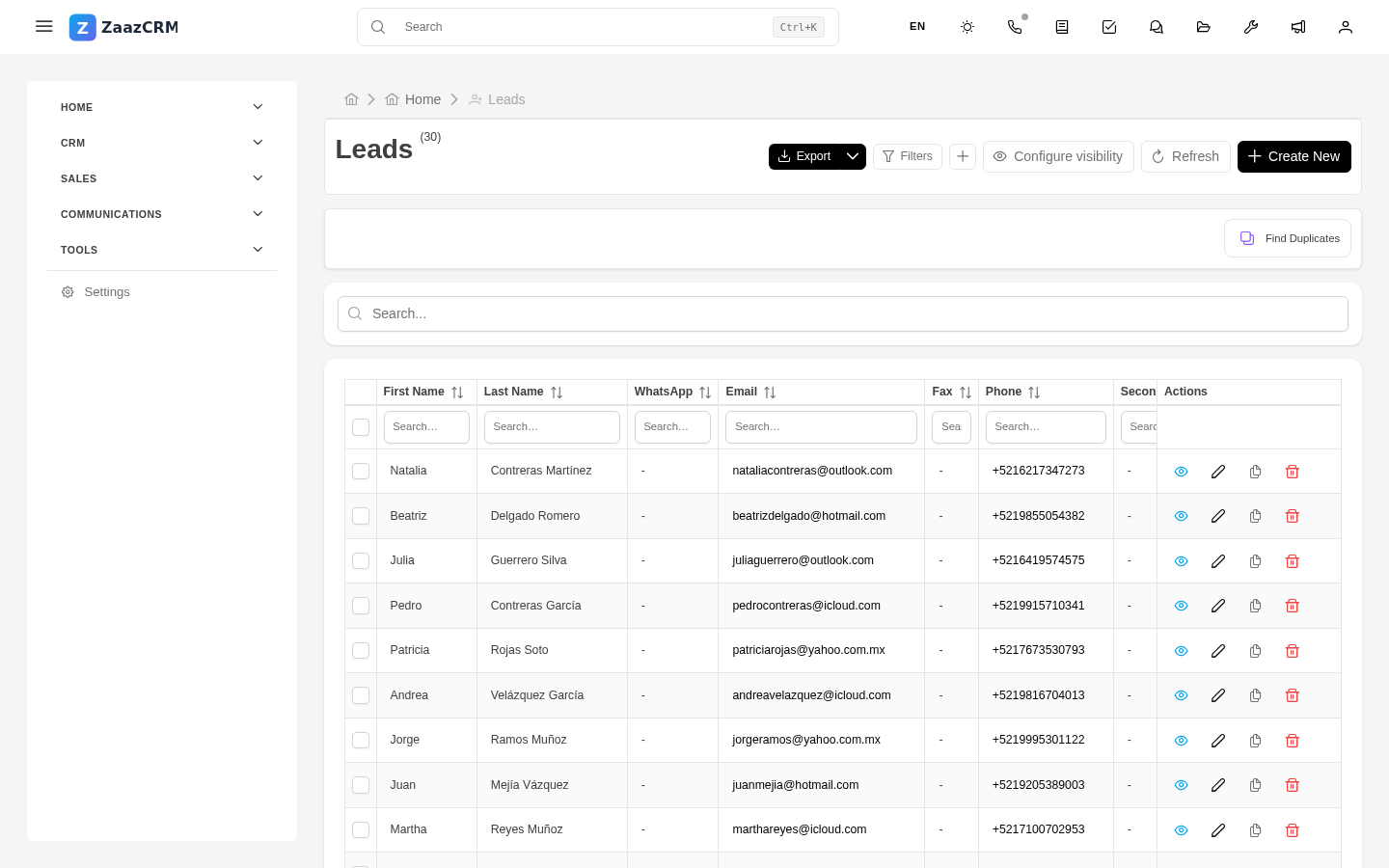
A lead is a sales opportunity: someone who showed interest in what your business sells and is in process of evaluation, quoting, or decision. The Leads module is where you manage your sales funnel — the list of active opportunities, with status, estimated amount, expected close date, and who on your team owns it.
Keeping leads up to date is the difference between selling well and leaving money on the table.
Create a lead
Three paths:
- From an existing contact: open the contact → Leads tab → Create. The lead is linked to the contact.
- From the Leads module: sidebar → Leads → Create. Pick contact and company manually.
- Automatic from the web: a public form on your site creates the lead with no action from you. More in Web forms.
Fill in:
- Lead name — short description ("ERP license 50 users - Acme Corp").
- Contact and Company.
- Estimated amount.
- Probability of closing (%).
- Expected close date.
- Source — how it arrived (referral, web, event, cold call).
- Owner — which sales rep handles it.
The lead funnel
The Stage field marks where they are in your sales process:
- New — just arrived, no one has contacted them yet.
- Qualified — confirmed real lead with budget.
- Demo — scheduled demonstration.
- Proposal — sent quote.
- Negotiation — client is negotiating price or terms.
- Won — closed the sale.
- Lost — client decided not to buy (or chose a competitor).
Your administrator defines the exact stages per your company's process.
The Leads module's kanban view is ideal for seeing your funnel at a glance and dragging leads between stages as they advance.

Convert a won lead
When you win a lead:
- Open the lead → Edit.
- Change Stage to Won.
- Fill in Actual close date and Final amount.
- Save.
From here on, you typically generate a formal quote and invoice, which stay linked to the lead.
Mark as lost
If the lead doesn't close:
- Open the lead → Edit.
- Change Stage to Lost.
- Fill in Loss reason (price, competitor, bad timing, not qualified, other).
- Save.
Don't delete it — lost leads are useful for analysis: why do we lose? At which stage do leads drop off? Which competitors win more often?
Sales reports
From Reports you'll see:
- Sales funnel — how many leads at each stage, aggregate amount.
- Sales forecast — expected amount to close in the next 30/60/90 days.
- Conversion rate — % of leads won vs total.
- Average cycle time — how long leads take to close.
- Loss reasons — frequency of each reason.
Watch out for
- Keep stages current. A lead forgotten at "Demo" for 2 months distorts your reports. If it's not advancing, mark it lost or move back to "Qualified" with a note.
- Don't inflate the amount. Capture the realistic amount, not the ideal. If a typical lead is worth $5,000 but you capture $50,000, your sales forecast lies.
- Don't convert to Won too early. Until you have signature or confirmed payment, the lead is still in negotiation. Premature Won distorts metrics.
- Assign a clear owner. An unowned lead gets no attention. Every lead must have an assigned sales rep.