Chat
Why this matters
ZaazCRM chat is for quick conversation between your company's team — the equivalent of Slack or Teams but inside the CRM. Useful for urgent questions ("does anyone have customer García's phone?"), daily coordination ("I'm going to lunch, I'll handle case CAS118 when I'm back"), or informal strategy discussion. What it loses in complexity it gains by being one click from customer records.
Unlike comments (which live inside a record), chat is transversal: it doesn't tie to a specific customer or case.
Get to the chat
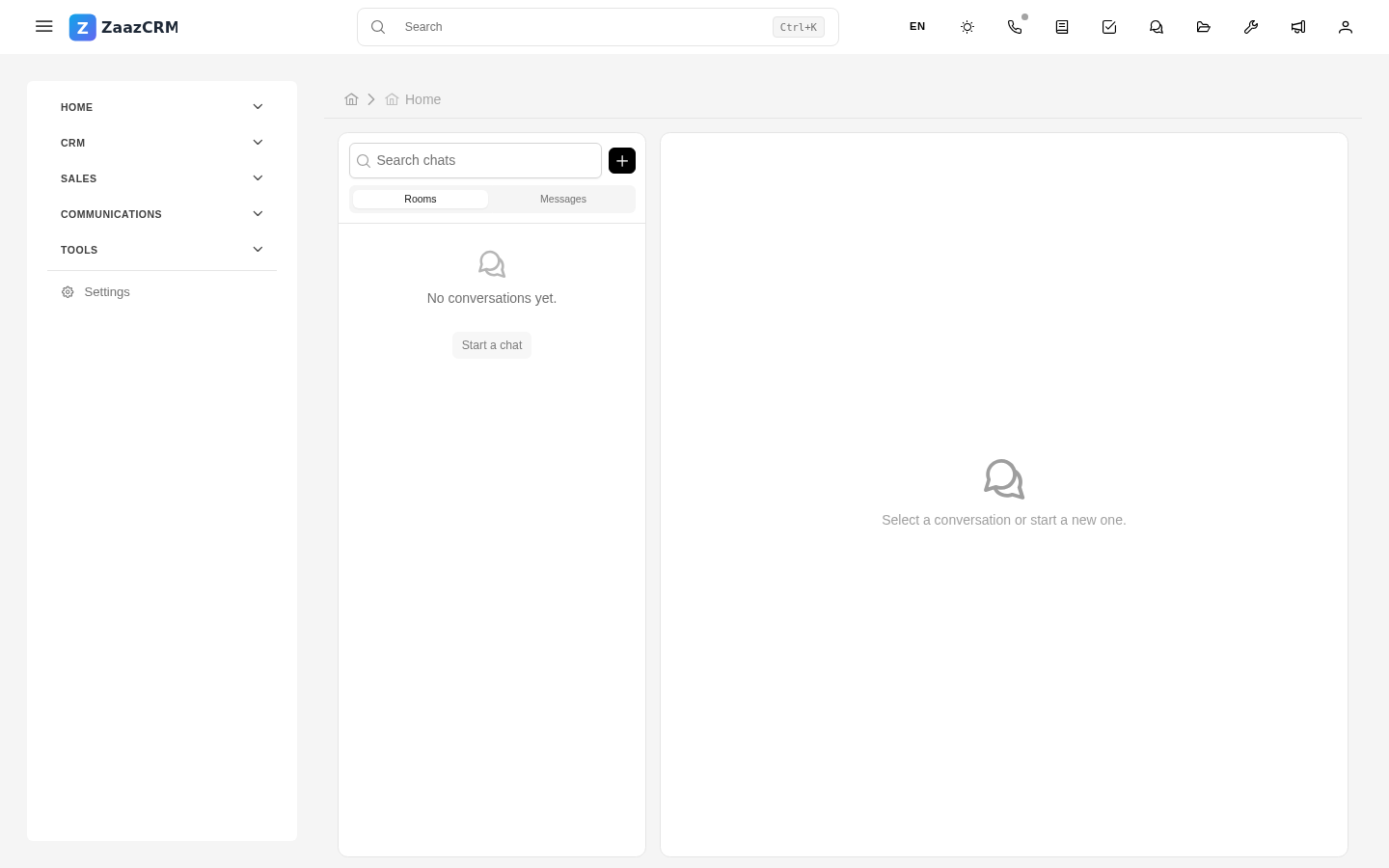
Sidebar → Chat. You land on the list of your recent conversations.
Rooms and direct messages
Two types of conversations:
- Rooms — thematic groups where several people talk. They can be by team ("North Sales"), by project ("Q1 Launch"), or by department ("Technical Support").
- Direct messages (1-on-1) — private conversation with a single person on the team.
Rooms are usually created by an administrator or anyone with permission.
Send a message
- Select the conversation (room or DM).
- Type in the text field at the bottom.
- Enter sends. Shift+Enter breaks a line without sending.
You can:
- Mention someone with
@nameto notify them. - Attach files.
- React to a message with emoji.
- Quote or reply to a specific message to create a thread.
Presence and status
To the right of each name you see a dot:
- Green — active.
- Yellow — idle (connected but hasn't moved).
- Gray — disconnected.
Useful for knowing whether it's worth writing expecting an immediate reply or sending an email is better.
Notifications
Mentions reach you as a notification in the bell and by email if configured.
To silence a noisy room: open the room → menu → Mute.
Chat vs. comments vs. email
| For… | Use |
|---|---|
| Quick informal discussion during the day | Chat |
| Permanent note tied to a customer/case | Comment on the record |
| Communication with the customer |
Watch out for
- Chat is not for permanent record. If you discussed with a colleague an important decision about a customer in chat, note the decision in a record comment.
- Don't talk about the customer with the customer. Sounds obvious but it happens when you send a message to the wrong chat. Chat is only between the team, never with customers.
- Rooms with many members become noise. Limit scope.
Where to next
- Webphone — phone calls from ZaazCRM.
- Video calls — video meetings with customers.