Webphone
Why this matters
The webphone is a phone integrated into ZaazCRM. It lets you make and receive calls on your company's landline number from your computer (with microphone and speakers or a headset), without needing a physical handset or using your personal mobile. Every call is logged in the relevant customer or case, so you don't have to write down who you called or who called you.
It's useful for teams that take many calls: you work from home with your computer, or the whole team shares a line without having to pass the handset.
Set up the webphone
The first time you open the webphone (sidebar → Webphone or a headset icon in the top bar), it asks for browser permissions to use the microphone. Accept.
If you can't hear or aren't heard, check browser permissions and the audio device selection. In most cases your administrator already configured your SIP account beforehand.
Make a call
Three paths:
- Dial manually: open the webphone → type the number (with country code) → green call button.
- Click-to-call from a record: open the contact → phone icon next to the number → call starts automatically.
- From recent calls list: history → click the contact → call.
Receive a call
When a call comes in to your company's number:
- ZaazCRM shows a popup notification with the caller's number.
- If the number is registered in ZaazCRM, it shows you whose it is.
- Accept or Decline.
During the call
While talking you can:
- Mute your microphone.
- Hold the customer with hold music.
- Transfer the call to another colleague.
- Send DTMF tones (for IVR systems).
- Take notes in the customer's record in another tab.
End the call
Red hang-up button. ZaazCRM automatically saves:
- Call duration.
- Start time.
- Whether it was incoming or outgoing.
- Who handled it.
- Which customer or case it was linked to.
After hanging up, ZaazCRM optionally asks you to add a summary of the call. Take 30 seconds to fill it in.
Call history
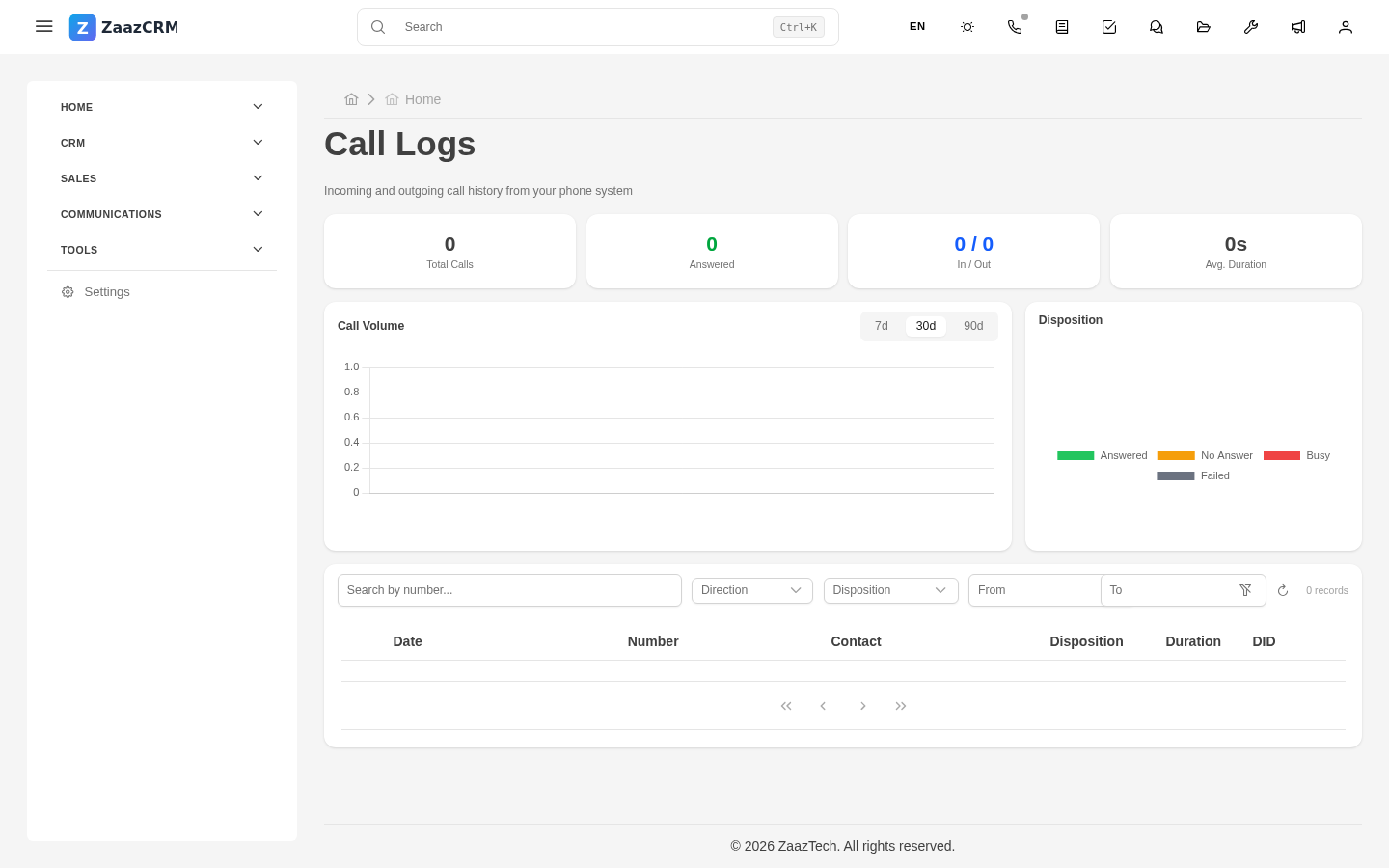
Calls tab inside the Webphone module, or Calls tab on each customer/case.
Watch out for
- The webphone uses the Internet, not the phone network. If your connection is slow, the call will cut or echo.
- Don't forget to disable the mic when done. Some browsers keep the permission active.
- Don't record without notice. In most jurisdictions you must inform the customer the call is being recorded if you're going to save audio.
Where to next
- Video calls — video meetings.
- SMS — text messages to the customer's phone.