Video calls
Why this matters
Video calls in ZaazCRM are for customer meetings: sales demos, project reviews, support sessions, training. They use Jitsi technology (open standard, compatible with any modern browser), so your customer doesn't need to install anything — they just open the link you send them.
Every video call is associated with a customer or case, and the link is generated automatically from ZaazCRM. It's more professional than sending a personal Zoom and easier than coordinating Google Meet with customers who don't have a Google account.
Create a video call
Three paths:
- From a customer or case: open the record → Video calls tab → Schedule new.
- From the calendar: create an event → check Add video call.
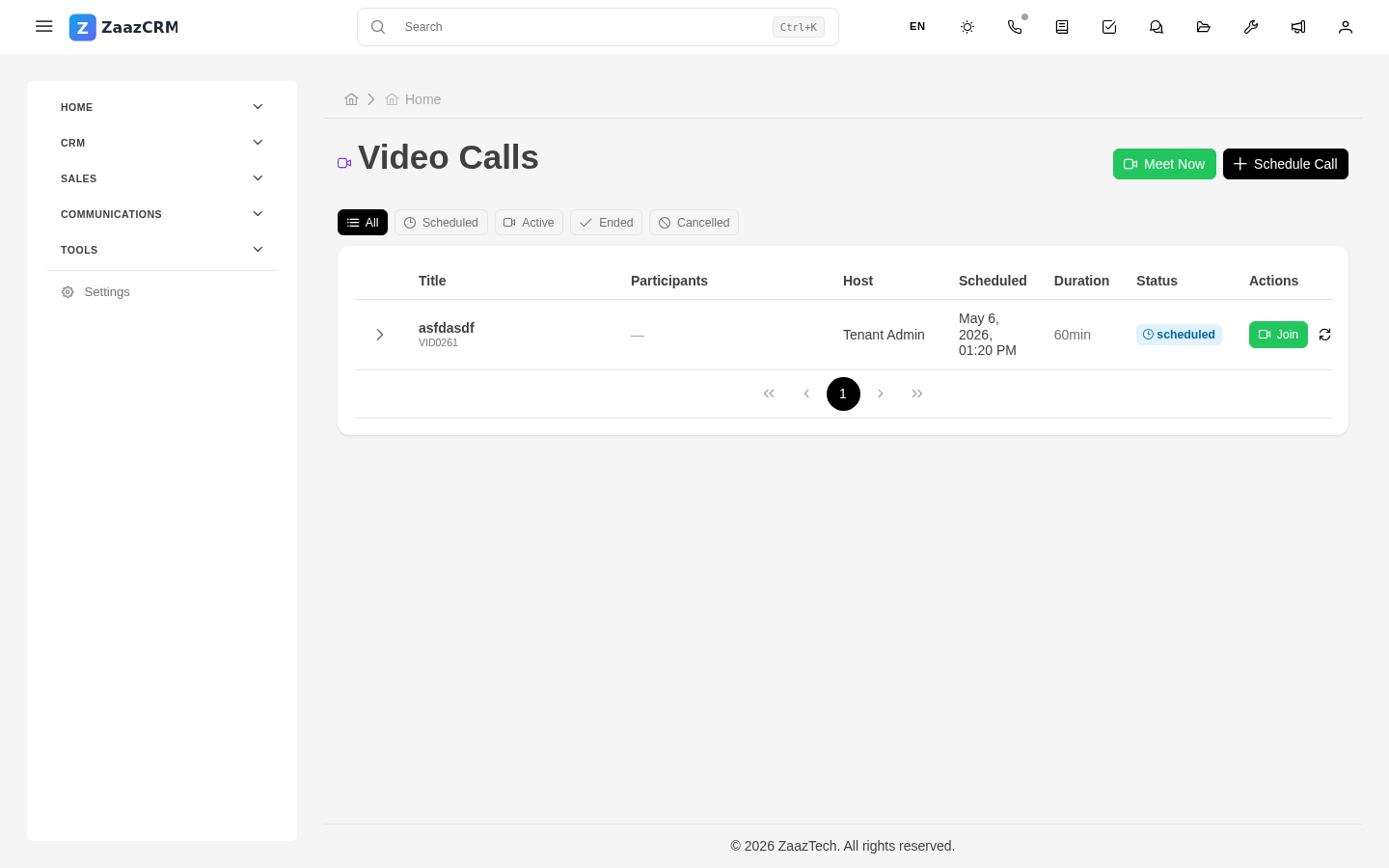
- From the Video calls module: sidebar → Video calls → Schedule.
Fill in:
- Title — what meeting it is.
- Customer and Case (if applicable).
- Date and time, Duration.
- Participants — who from the team will attend.
- Optional pre-notes.
ZaazCRM generates a unique link for the meeting and a customer link (no account needed).
Invite the customer
Send invitation button → ZaazCRM opens a new pre-filled email with recipient, subject, link, and meeting details.
Join the video call
- Open the video call (from the calendar, the customer, or the module).
- Join button.
- Accept camera and microphone permissions.
- You enter the room.
During the meeting
- Mute microphone.
- Turn off camera.
- Share screen — useful for product demos, presentations.
- Side chat — for sending links.
- Raise hand.
Some configurations allow recording the video call — ask your administrator. If you record, tell the customer verbally at the start.
End the meeting
Red Leave button.
ZaazCRM automatically logs: start and end time, duration, who attended, recording. Optionally add a summary — what was discussed, decisions, next steps.
Watch out for
- Test audio before starting. Run a test 2 minutes before.
- Don't share screen carelessly. Share only the specific tab you want the customer to see. Accidentally showing another customer's data doesn't look good.
- The customer's connection may be unstable. Have a fallback (phone call backup).