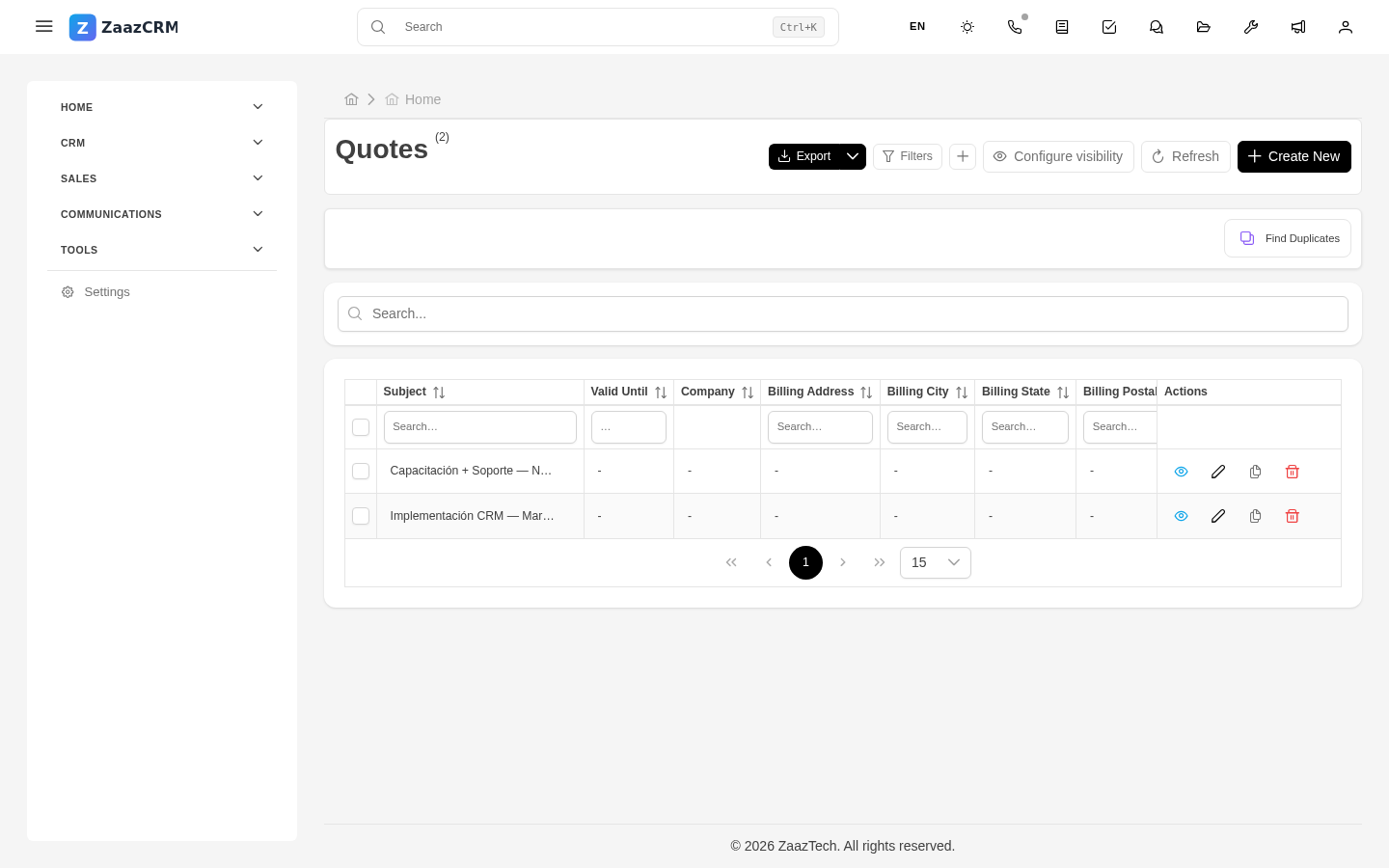
Quotes
Why this matters
A quote is the formal economic offer you send to a customer or prospect: products or services included, unit prices, discounts, applicable taxes, final total, validity date. Once accepted, it becomes an invoice. Keeping quotes clean and traceable helps close more sales and avoid disagreements about what was agreed.
Create a quote
- Open the contact, company, or lead it applies to → Quotes tab → Create.
- Fill in the general data:
- Customer (contact and/or company).
- Linked lead (optional but recommended for reports).
- Issue date and Valid until.
- Currency — USD, MXN, CAD, EUR, etc.
- Add line items (each product or service):
- Select from the Products catalog or type freely.
- Quantity, Unit price, Discount (if any).
- Tax — VAT, GST, sales tax per jurisdiction.
- Review the totals (subtotal, discount, taxes, total) at the bottom.
- Fill in Terms and conditions and notes for the customer.
- Save.
The system assigns a folio (for example PRE158).
Quote statuses
- Draft — you're putting it together, not yet sent.
- Sent — it went to the customer.
- Accepted — the customer approved it.
- Declined — the customer rejected it.
- Expired — the validity date passed without a response.
Generate and send the PDF to the customer
- Open the quote → PDF button.
- Pick the template (there may be several: basic, detailed, with logo, in different languages).
- The PDF downloads or previews.
- To send it by email from ZaazCRM: Send by email button → pick an email template → check the recipient and message → Send.
The sent email is recorded in the Emails tab of the quote and the contact.
Accept a quote
When the customer accepts:
- Open the quote → Edit.
- Change Status to Accepted.
- Fill in Acceptance date and Notes.
- Save.
Once accepted, don't edit the quote's content. If the scope changes, create a new quote that replaces the previous one and change the old one to Declined with the reason.
Convert quote to invoice
When it's time to bill:
- Open the accepted quote.
- Convert to invoice button.
- ZaazCRM creates an invoice with the same line items, totals, and data. You confirm the issue date and tax info.
- The invoice stays linked to the quote.
More in Invoices.
Watch out for
- Don't edit a sent quote. If you changed it after sending, the customer sees a different version than what's on your screen. Create a new one.
- The quote folio isn't the date. Refer the customer by folio (PRE158), not by date — it gets confusing when there are multiple versions.
- Expired status doesn't apply automatically unless a workflow does it. Review periodically.
- Taxes vary by jurisdiction. ZaazCRM applies the default tax. If the customer is in another zone, change it manually when building the quote.