API tokens
Why this matters
An API token is like a password but for programs, not people. It allows external applications (another tool, a script, a Zapier) to read or write data in ZaazCRM without needing to sign in as a human user.
Typical uses:
- Sync contacts with Mailchimp.
- Connect ZaazCRM with your accounting system.
- Automate imports from Excel.
- Custom mobile app.
Create a token
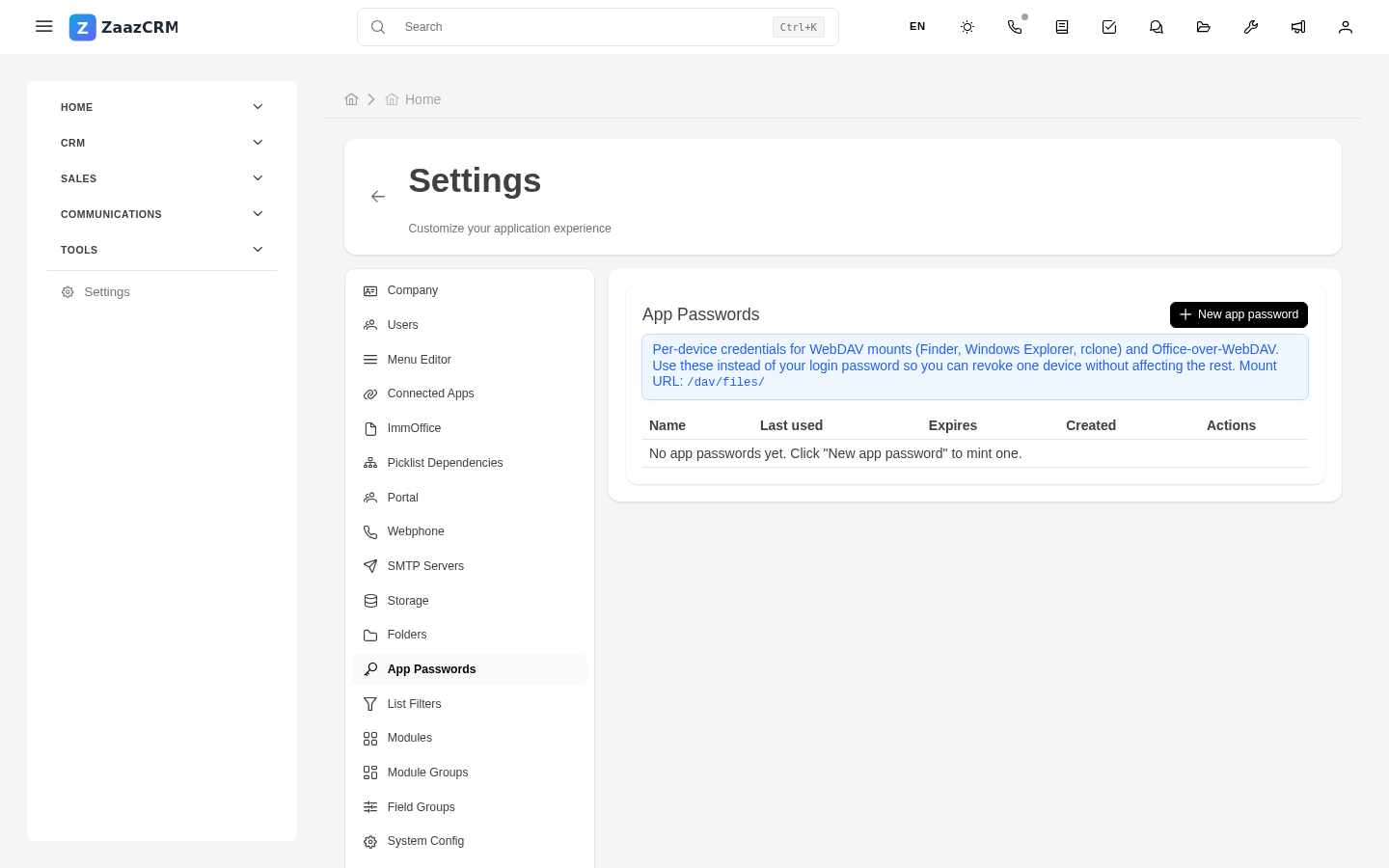
- Sidebar → Settings → API tokens → Create.
- Fill in:
- Name ("Mailchimp sync", "Importer script").
- Scope — what it can do.
- Expiration — recommended max 1 year.
- Generate.
- Copy the token immediately — shown only once.
Use the token
Whoever consumes the API includes the token in every HTTP request:
Revoke a token
If compromised:
- Open the token → Revoke immediately.
- Generate a new one.
- Update the application.
Usage audit
Each token has a usage log: last used, requests, IPs.
Best practices
- One token per integration.
- Minimum permissions.
- Short expiration — rotate yearly.
- Tokens in environment variables, not in code.
Watch out for
- Tokens are secrets.
- Tokens without scope = open door.
- Don't reuse tokens across environments (production and test).