Workflows
Why this matters
A workflow is an automation: "when X happens, do Y automatically". With workflows:
- When a lead is created → assign to the rep on duty and notify them.
- When a lead changes to "Won" → automatically create an invoice.
- When an invoice is 30 days overdue → mark as Overdue and send a reminder.
- When an urgent case is created → notify the supervisor immediately.
Used well, workflows save hours per week.
Workflow structure
- Trigger (START) — what event activates it.
- Blocks — steps (conditions, actions, waits).
- Connections — execution order.
Create a workflow
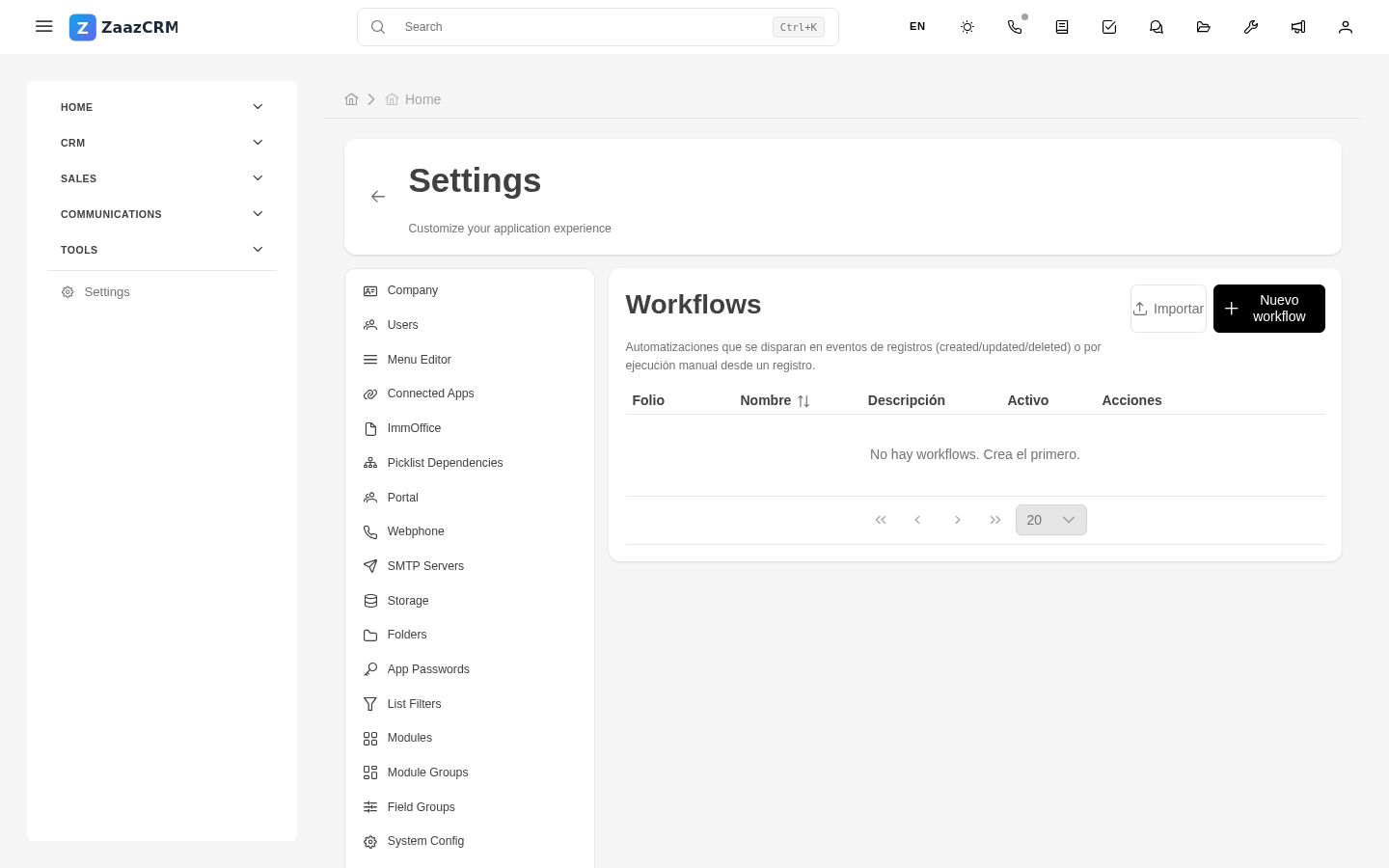
- Sidebar → Settings → Workflows → Create.
- Fill in: name, module, status.
- Save.
You land on the visual editor with a START block.
Configure the trigger
- Type: Creation, Update, Deletion, Stage change, Scheduled, Manual.
- Optional filters — only fires if conditions are met.
Add blocks
- Condition (IF) — routes the flow down branches.
- Send email.
- Create notification.
- Update field.
- Create record.
- Assign to user.
- Generate PDF.
- Wait — pause before next block.
- Webhook — call external service.
Connect blocks
Drag connections between blocks. For Condition, two branches (true/false).
Test and activate
- Save.
- Test with a sample record (test mode).
- Change status to Active.
Monitor executions
Workflow's History tab: when it ran, which record triggered it, result.
Watch out for
- Circular workflows — infinite loop.
- Workflows sending many emails — can hurt SMTP reputation.
- Changes to active workflows take effect immediately.