Picklists
Why this matters
A picklist is a set of predefined values for a field: customer type, lead source, priority, sales stage. Instead of free text (where one rep types "VIP" and another "VIP Customer"), you pick from a list. Guarantees consistency and enables reliable reports.
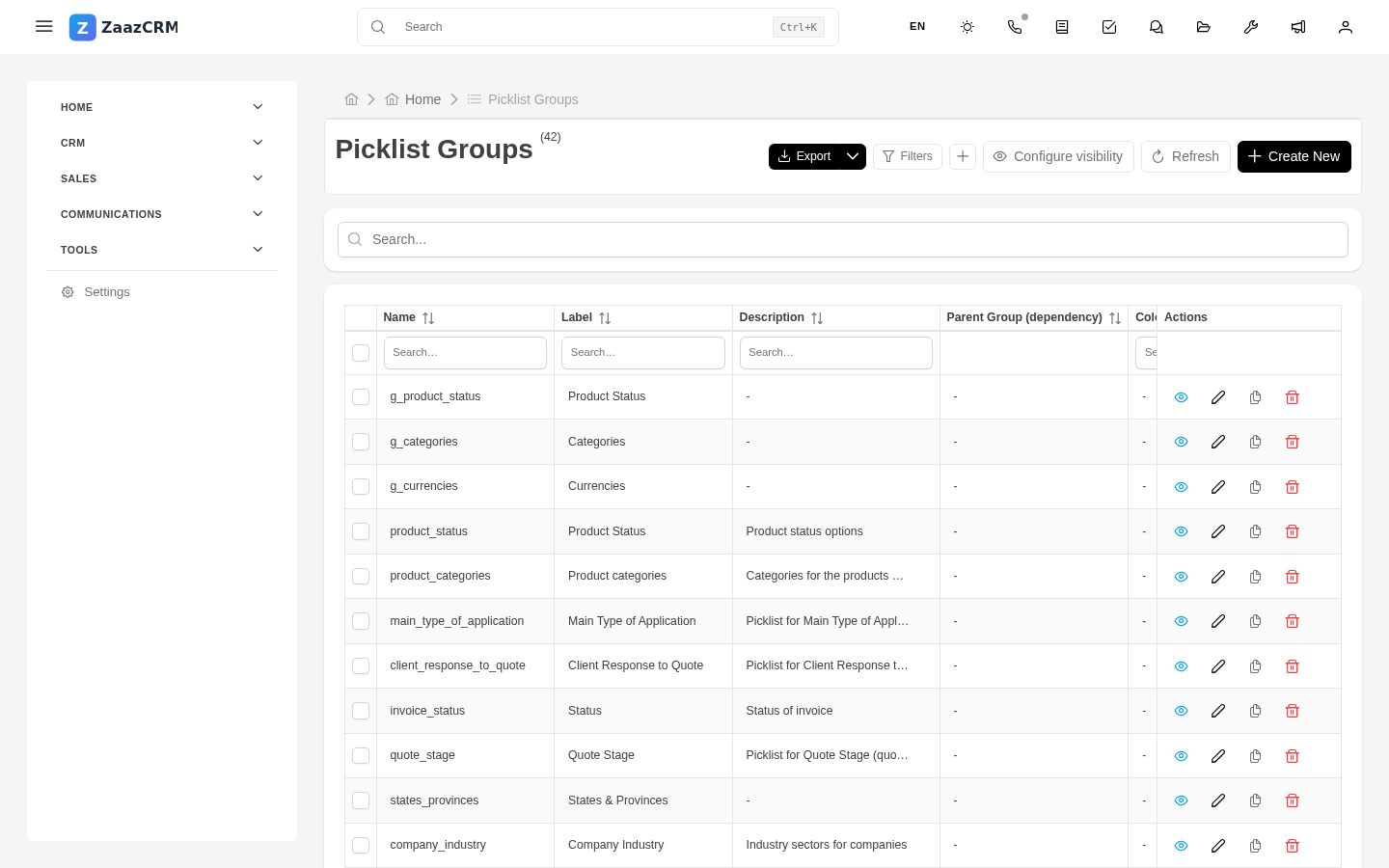
ZaazCRM organizes picklists in groups, where each group has its options.
Create a picklist group
- Sidebar → Settings → Picklists → Create group.
- Fill in:
- Name ("Customer type", "Sales stage").
- Technical key (
customer_type,sales_stage). - Type: global or module-specific.
- Save.
Add options to the group
- Open the group → Options tab → Create option.
- Fill in: label, technical value, color (useful in kanban), icon, order, active.
- Save.
Assign group to a field
When creating a Picklist field, in the field form you pick which group it uses. The same group can be used by several modules.
Modify existing options
- Rename label — instant, no data changes.
- Change technical value — careful, old records get orphaned.
- Disable option — existing records keep it, but new forms don't offer it.
Multi-selectable picklists
If a field allows multiple options (for example, "Interests"), mark it as Multi-picklist.
Watch out for
- Don't overuse groups. Share when it applies.
- Colors matter for kanban.
- Verify before deleting.
Where to next
- Visibilities — where picklist fields appear.
- Fields — create fields that use picklists.