Fields
Why this matters
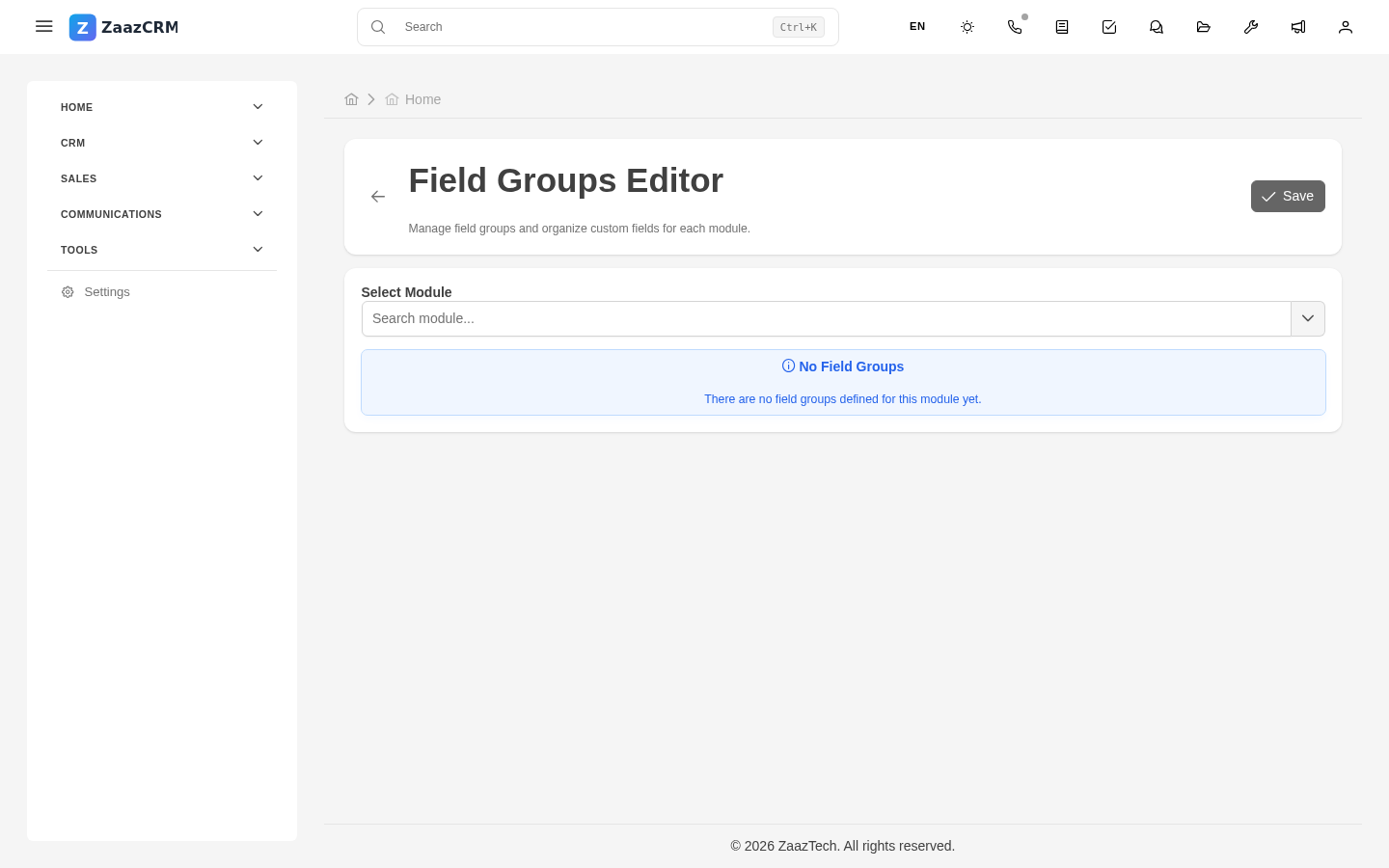
Fields are a module's "columns": name, email, amount, date. As an administrator you can add, modify, and configure fields on any custom module, and modify configuration (label, validation, visibility) on base modules.
Field types
- Short text / long text.
- Number / Currency.
- Boolean (yes/no).
- Date / Date and time.
- Picklist / Multi-picklist.
- Relation — points to another module.
- File.
- Computed — calculated from other fields.
Add a field
- Open the module → Fields tab → Add field.
- Fill in:
- Technical name — used in DB/URL (
amount,closed_date). - Label — what the user sees.
- Type.
- Required.
- Default.
- Validation — format, length, range, unique.
- Searchable — included in global search.
- Save.
ZaazCRM adds the column to the DB.
Computed fields
Not filled in — calculated. Example: full_name = CONCAT(first_name, ' ', last_name). Configure:
- Expression — SQL or template formula.
- Trigger — on create, on edit, always.
Display name
Each module has a display_name field that defines how the record is shown in lists/references. To recompute every record: admin command modules:finalize-records.
Related picklists
Picklist fields store the option ID, not the text. Options are managed in Picklists.
Validation
- Format — email, phone, tax ID.
- Length — minimum, maximum.
- Range — numbers or dates.
- Unique — no duplicates.
Watch out for
- Don't change a field's type with data. Create new and migrate.
- Don't delete without checking dependencies.
- Renaming the technical name — you can't.
Where to next
- Picklists — for picklist fields.
- Visibilities — where each field appears.