Helpdesk
Why this matters
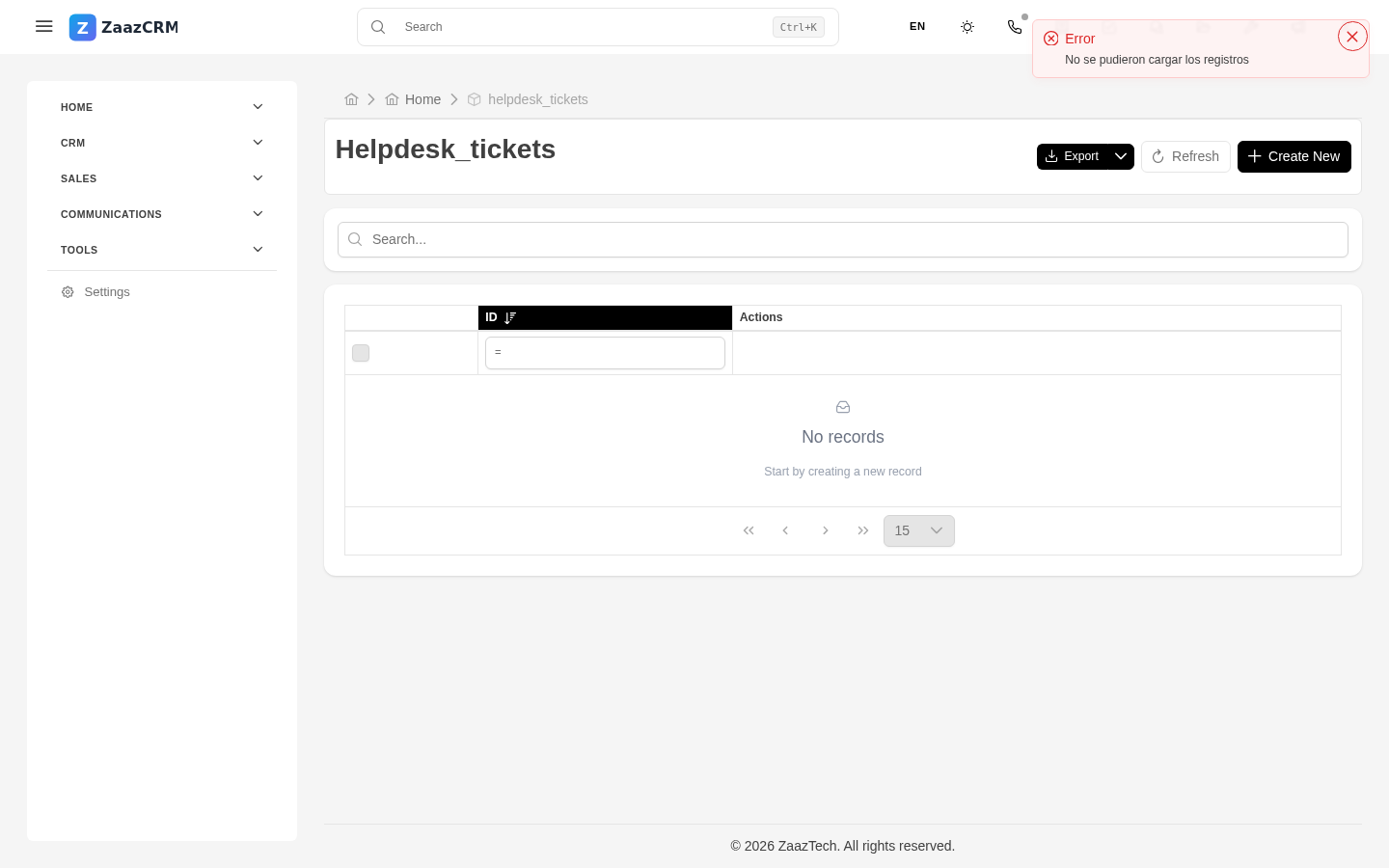
The helpdesk is a module of internal support tickets: a structured way to receive and respond to help requests between team members or departments. Useful when sales needs something from tech support, marketing needs something from sales, or any department needs to coordinate with another in a traceable way.
If your company doesn't use the internal helpdesk, this module may not appear in your sidebar. It's optional and enabled by an administrator. For external customer tickets, you usually use the Cases module.
Create a ticket
- Sidebar → Helpdesk → Create ticket.
- Fill in:
- Subject — short summary.
- Description — details, context, what you tried.
- Category — technical support, HR, IT, other.
- Priority — low, medium, high, urgent.
- Responsible department — who it's directed to.
- Attachments if applicable.
- Save.
The ticket gets a folio (for example TKT042) and is automatically assigned to a responsible person based on the category.
Statuses
- Open — just created, waiting for response.
- In progress — the responsible person is working on it.
- Waiting on requester — needs more information.
- Resolved — the responsible person considers it done, waiting for confirmation.
- Closed — confirmed and archived.
Converse inside a ticket
Each ticket has a replies section where the requester and the responsible person go back and forth until resolved. Each reply has author, date, and time.
When the helpdesk vs. other channels
| Case | Best channel |
|---|---|
| Quick question to the team | Chat |
| Technical problem for an internal user | Helpdesk |
| Bug report in ZaazCRM | Helpdesk |
| External customer support | Cases (not helpdesk) |
| Urgent request requiring immediate action | Chat or call, not a ticket |
Watch out for
- Tickets are visible internally. Don't put sensitive customer data without need.
- Don't open a ticket for something you can resolve by talking. If your colleague is sitting next to you, ask them.
- If you don't get a response within the promised time, escalate. Your administrator may have configured SLAs.
Where to next
- Calendar — schedule meetings to discuss tickets.
- In Part 6 (Administration), how to configure categories and SLAs.