SMTP configuration
Why this matters
SMTP is the protocol ZaazCRM uses to send emails. Without well-configured SMTP, emails don't go out, land in spam, or the customer receives messages from a generic address.
Create an SMTP configuration
- Sidebar → Settings → SMTP → Create.
- Fill in:
- Internal name.
- Server (
smtp.yourcompany.com,smtp.sendgrid.net, etc.). - Port (typically 587 with STARTTLS, or 465 with SSL).
- User and Password.
- Encryption (TLS or SSL).
- From email and From name.
- Test connection.
- Save.
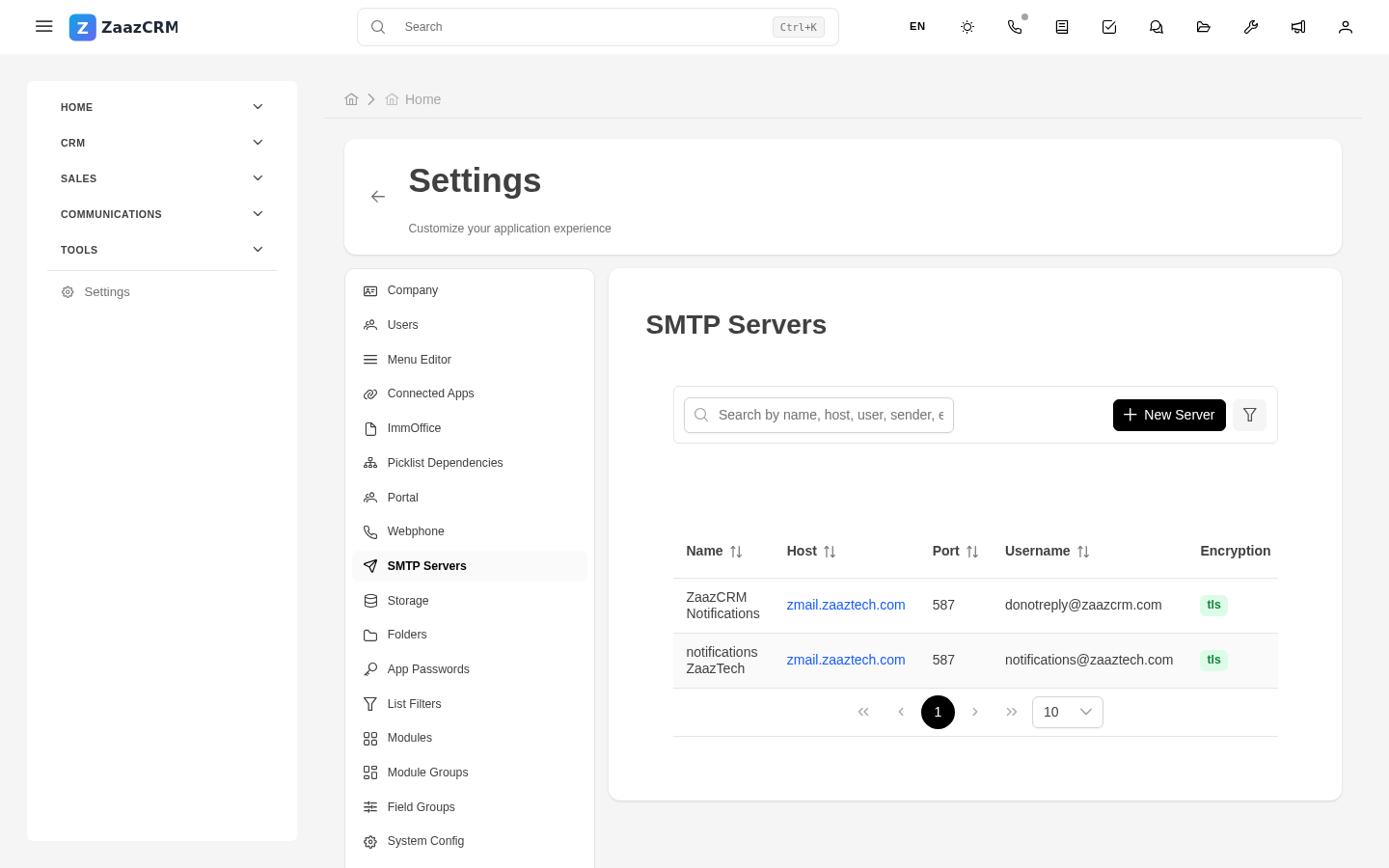
Multiple SMTP accounts
Useful for:
- Separating transactional from personal.
- Accounts per language or department.
- Redundancy — fallback if primary fails.
Mark one as default.
Domain configuration
Your IT administrator must configure SPF, DKIM, DMARC in the domain's DNS. Without this, emails go to spam.
Diagnose problems
ZaazCRM keeps a send log. Common errors:
- Authentication failed — wrong credentials.
- Connection refused — wrong server or port.
- Recipient rejected — email bounces.
Watch out for
- Passwords are stored encrypted.
- Some providers cap daily sends (Gmail: ~500). For more volume, use SendGrid, Postmark, Amazon SES.
- Don't use personal Gmail as SMTP.