Reports
Why this matters
Reports are the tool for answering concrete business questions: how many leads did we close this quarter? Which sales rep closes more? How much did we bill per product line? What percentage of support tickets close in under 24h? Without reports you're left with feelings; with reports, you decide with data.
ZaazCRM ships with pre-built reports and lets any user with permission create their own.
Get to reports
Sidebar → Reports. You land on the list, grouped by category (sales, support, collections, activity, productivity).
Run a pre-built report
- Pick a report.
- Fill in parameters (date range, sales rep, etc.).
- Run.
- ZaazCRM computes and shows results as a table and/or chart.
Export the report
- PDF — to print or email.
- Excel (XLSX) — to process in a spreadsheet.
- CSV — to integrate with another tool (BI, accounting).
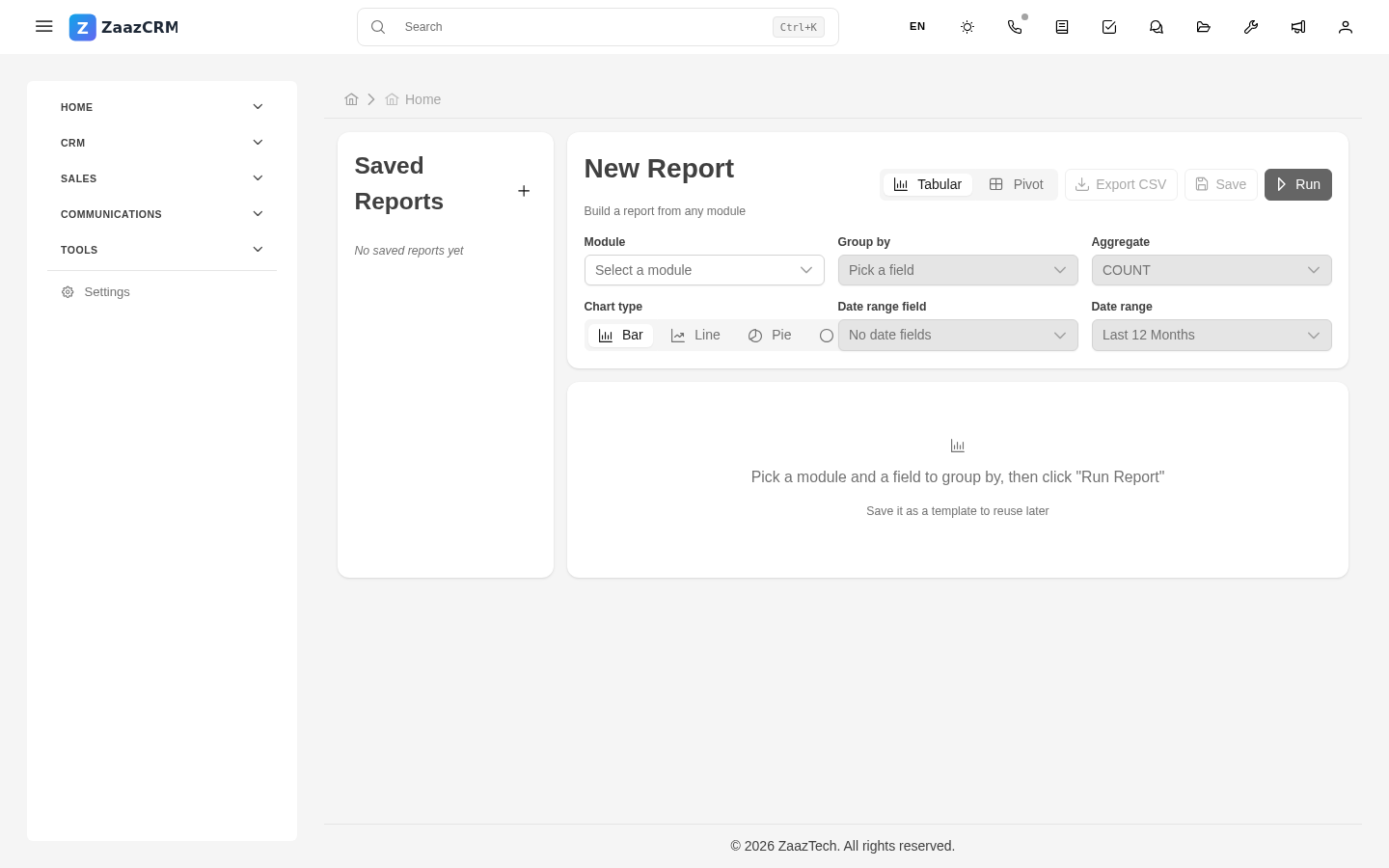
Create a new report
If you have permission:
- Create report.
- Fill in:
- Name.
- Source module — what data.
- Columns — what to show.
- Filters.
- Grouping (by rep, by month, etc.).
- Metrics (count, sum, average, max).
- Visualization — table, bars, pie, timeline.
- Save and run.
If you mark it as shared, your colleagues see it.
Schedule recurring reports
For a report to run automatically and email you:
- Open the report → menu → Schedule delivery.
- Frequency (daily, weekly, monthly) and recipients.
- Save.
Typical CRM reports
- Sales funnel — leads by stage, aggregate amount.
- Sales forecast — expected close in the next 30/60/90 days.
- Conversion rate — % of leads won.
- Cycle time — average days to close.
- Overdue collections — invoices by aging.
- Tickets per SLA — what % of cases meet SLA.
Watch out for
- Reports show data at execution time. If you run it and something changes shortly after, that's not a bug.
- Misconfigured filters mislead. Verify before presenting results.
- Permissions apply. If you only see your own leads, the report shows only yours.
Where to next
- Find duplicates — tool to clean duplicates.
- Dashboards and widgets — live KPI metrics.