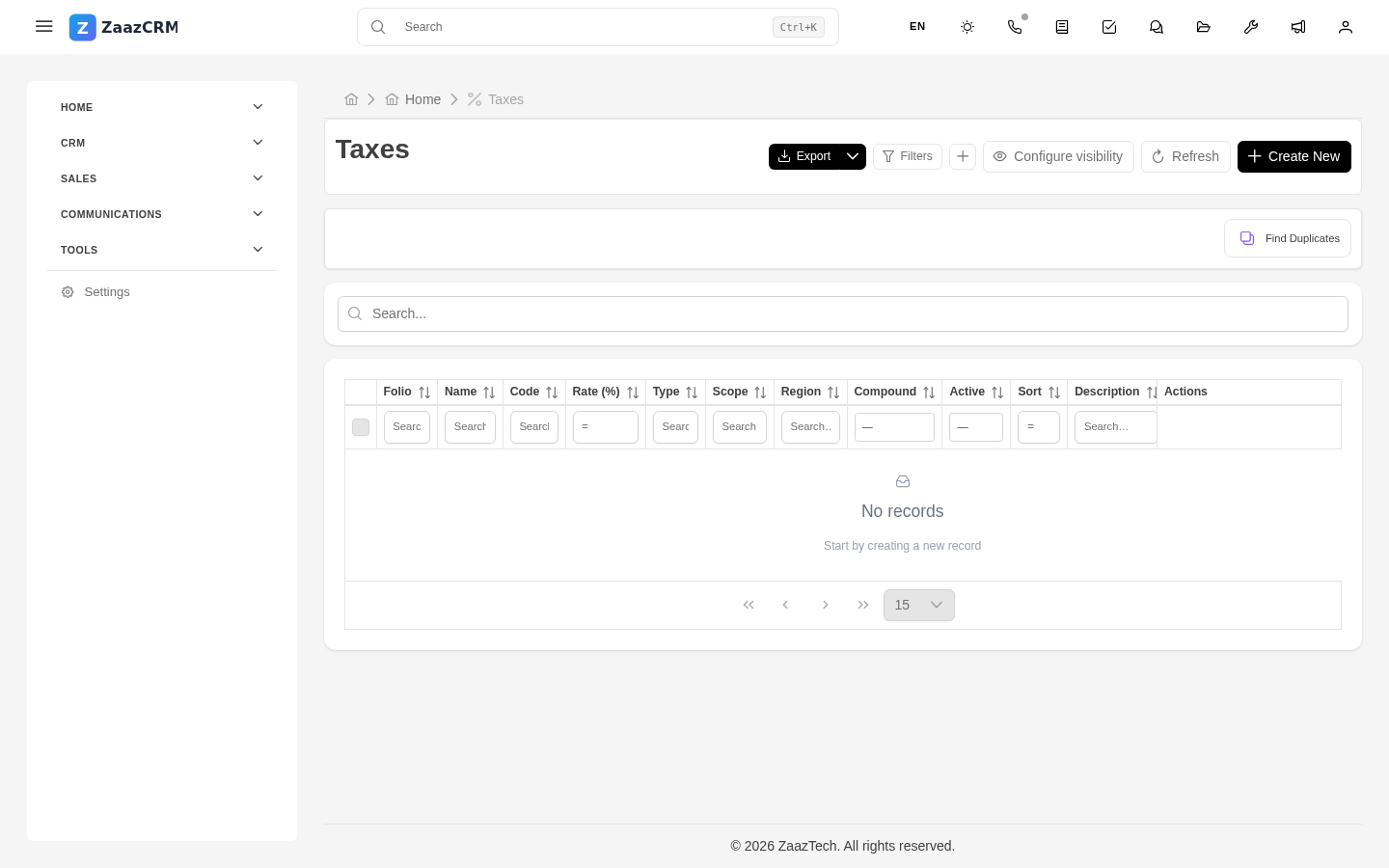
Taxes
Why this matters
Every country and region has different rules for taxes on products and services. ZaazCRM doesn't decide which tax applies — your administrator configures that based on the jurisdictions where your business bills — but it does make sure the correct tax is added on every line of a quote and invoice.
This page explains how taxes work from the day-to-day user's perspective. Configuring rates and jurisdictions is covered in Part 6 (Administration).
Common tax types
- VAT / IVA — Mexico, Colombia, Spain, most LATAM countries.
- HST — Canada, harmonized provinces.
- GST + PST — Canada, non-harmonized provinces.
- Sales tax — United States (varies by state and municipality).
- VAT — UK and European Union.
- Exempt — some products/services or jurisdictions don't incur tax.
Each is loaded in ZaazCRM with its rate and behavior (compounding vs. additive, withheld vs. passed through).
How the tax gets applied
When adding a line item:
- You pick a product (or type a free-form line).
- ZaazCRM automatically applies the product's default tax.
- If the customer is in a different jurisdiction, change the tax on the line using the selector.
The total at the foot of the quote/invoice sums: - Line item subtotal. - Discounts. - Taxes (one or several, depending on the lines). - Final total.
Exempt products
Some products or services don't incur tax. When building the line, pick the Exempt tax (or the equivalent on your list).
Exempt products show up tax-free in the breakdown, which is important so the customer clearly sees why their invoice is the way it is.
Change the tax on a line
If a product defaults to VAT 16% but you're billing an export customer (where VAT 0% applies):
- On the line, open the tax selector.
- Pick VAT 0% or Exempt.
- The total recalculates instantly.
Watch out for
- Don't edit tax rates from the module. A tax's rate is managed by your administrator in Settings. If you think it's wrong, report it — changing them affects the whole business.
- The line's tax freezes on save. If after saving an invoice your administrator raises the VAT rate, old invoices keep the previous rate — fiscally correct at the time of issue.
- International transactions have special rules. If you sell to a customer outside your country, there can be withholdings, fiscal residency certificates, etc. Consult with your accountant before invoicing internationally with 0% tax.
Where to next
- Line items — the internal structure of a quote or invoice.
- In Part 6 (Administration), tax configuration.